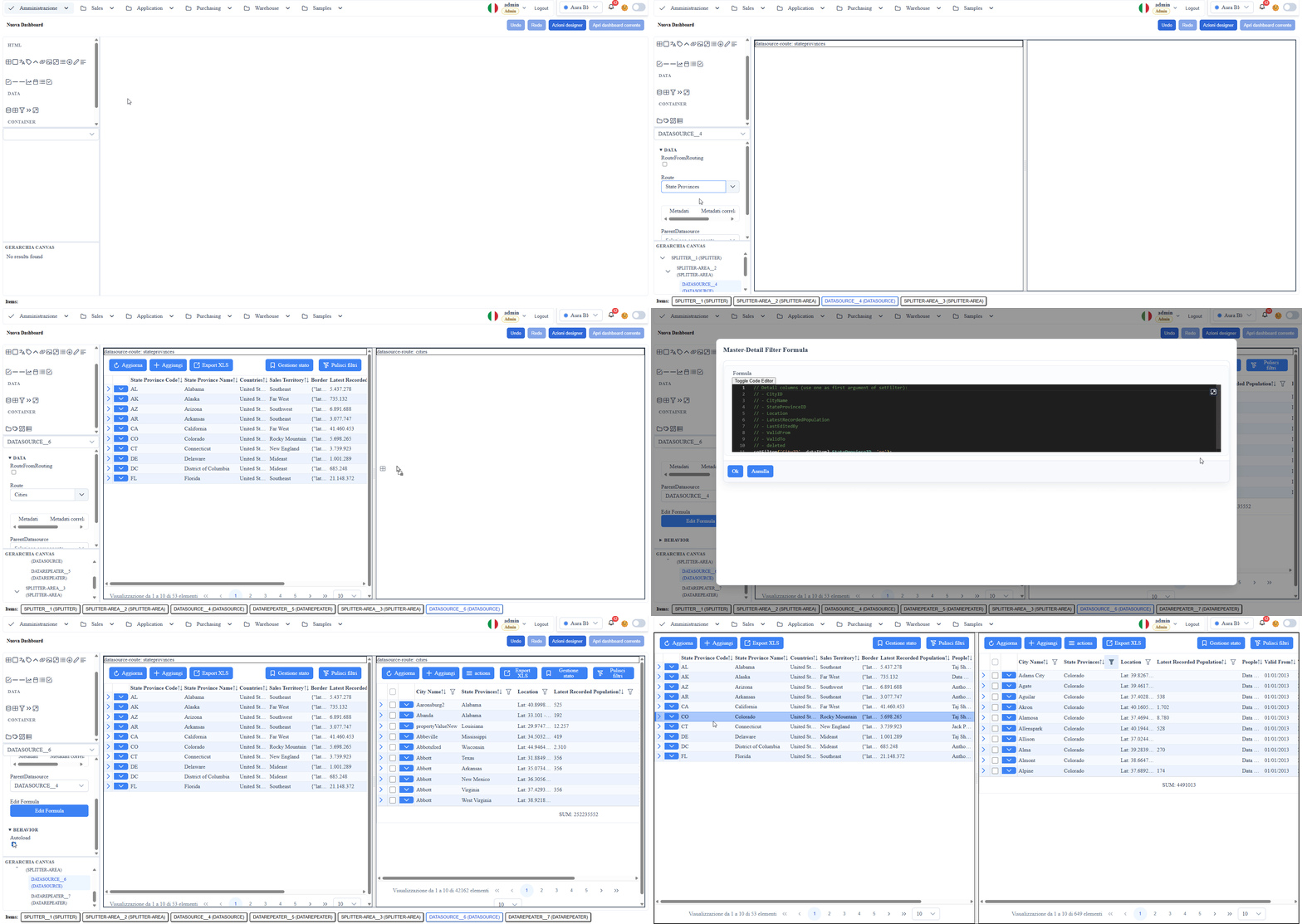
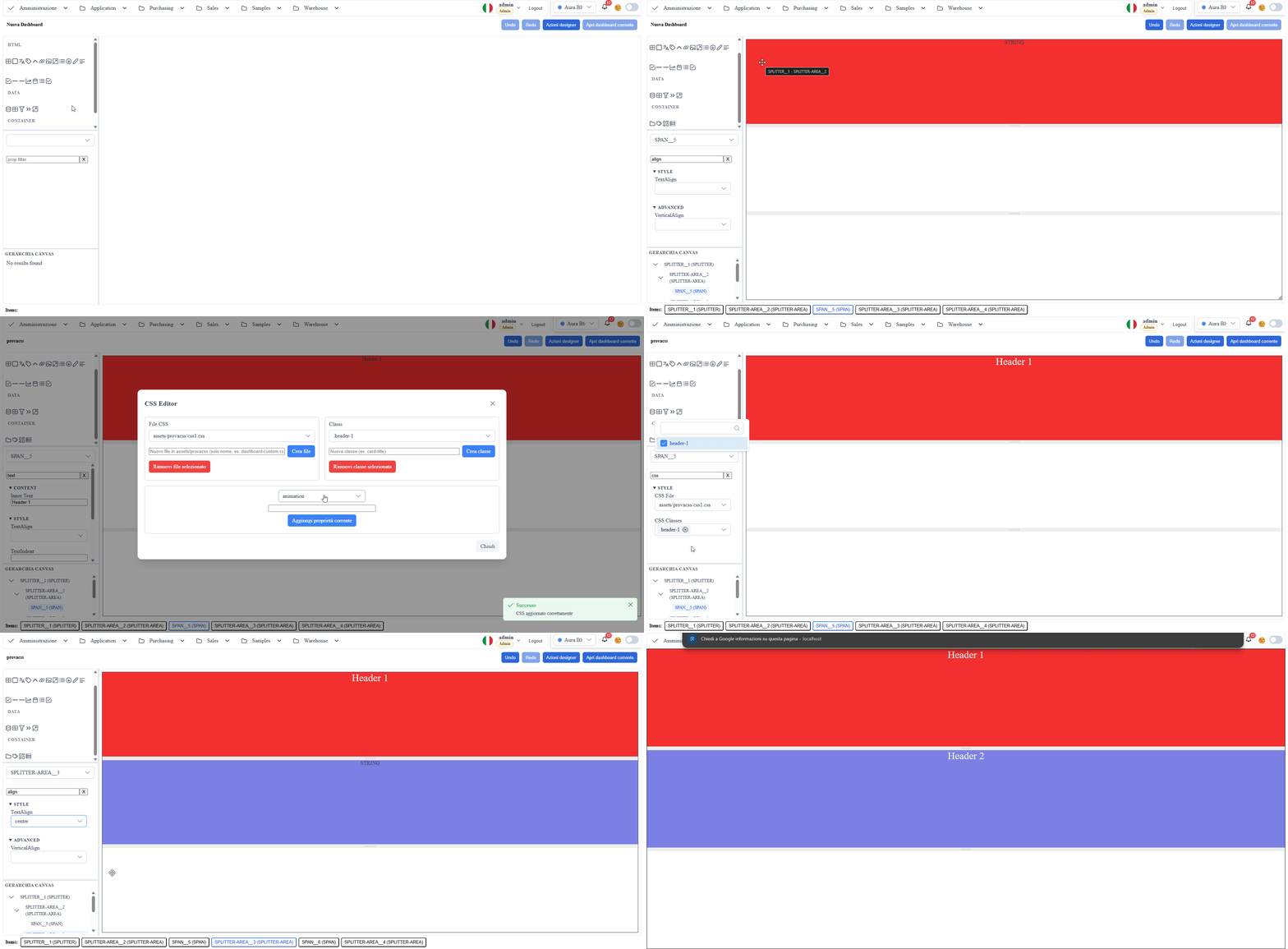
Overview
Designer
Visual editor for metadata-driven dashboards on route #/cities/dashboard.
Scope
- Board composition via drag-and-drop of nodes and UI blocks.
- Layout and styling driven by
boardcontentand table/column metadata. - Property panel editing without hardcoding in runtime components.
Designer Palette
The palette is split into three groups. The names below are the ones you read in the palette,
uppercase exactly as the designer writes them.
HTML — the markup building blocks:
| Tool | What it is for |
|---|---|
TABLE | a grid of cells. TR and TD exist as tools but are not draggable: the table creates them |
DIV | free-form container, the structural block you use most |
SPAN, LABEL, Hx | databound text; Hx picks the level from h1 to h6 |
ANCHOR, IMG, IMAGE, IFRAME | links, images, external content |
UL | list |
BUTTON | button with a callback |
INPUT, TEXTAREA, CHECKBOX, SELECT, MULTISELECT, DATE | input fields |
KPI | a single highlighted value |
SEPARATOR, HR | separators |
DATA — the nodes wired to the backend:
| Tool | What it is for |
|---|---|
DATASOURCE | metadata data source (route, filters, sort, paging) |
DATAREPEATER | list/card view connected to a datasource |
FILTERBAR | filter bar above the repeater |
PAGER | paginator |
CONTAINER — the layouts:
| Tool | What it is for |
|---|---|
TABVIEW + TABPANEL | tabs |
SPLITTER + SPLITTER-AREA | resizable panes |
ACCORDION + ACCORDION-AREA | accordion sections |
Two names you will look for in vain: there is no "Dynamic Template" tool — the dynamic
template is what the DATAREPEATER renders, you configure it from its properties and you never
drag it; and "Container" / "Layout" are the group name, not selectable entries.
On top of these come the custom tools registered by the host project
(MetadataProviderService.customDesignerTools), which appear at the end under the group they
declare.
Main Features
- Drag-and-drop nodes onto the canvas with persistence in
boardcontent. - Contextual property panel with inputs consistent with the selected components.
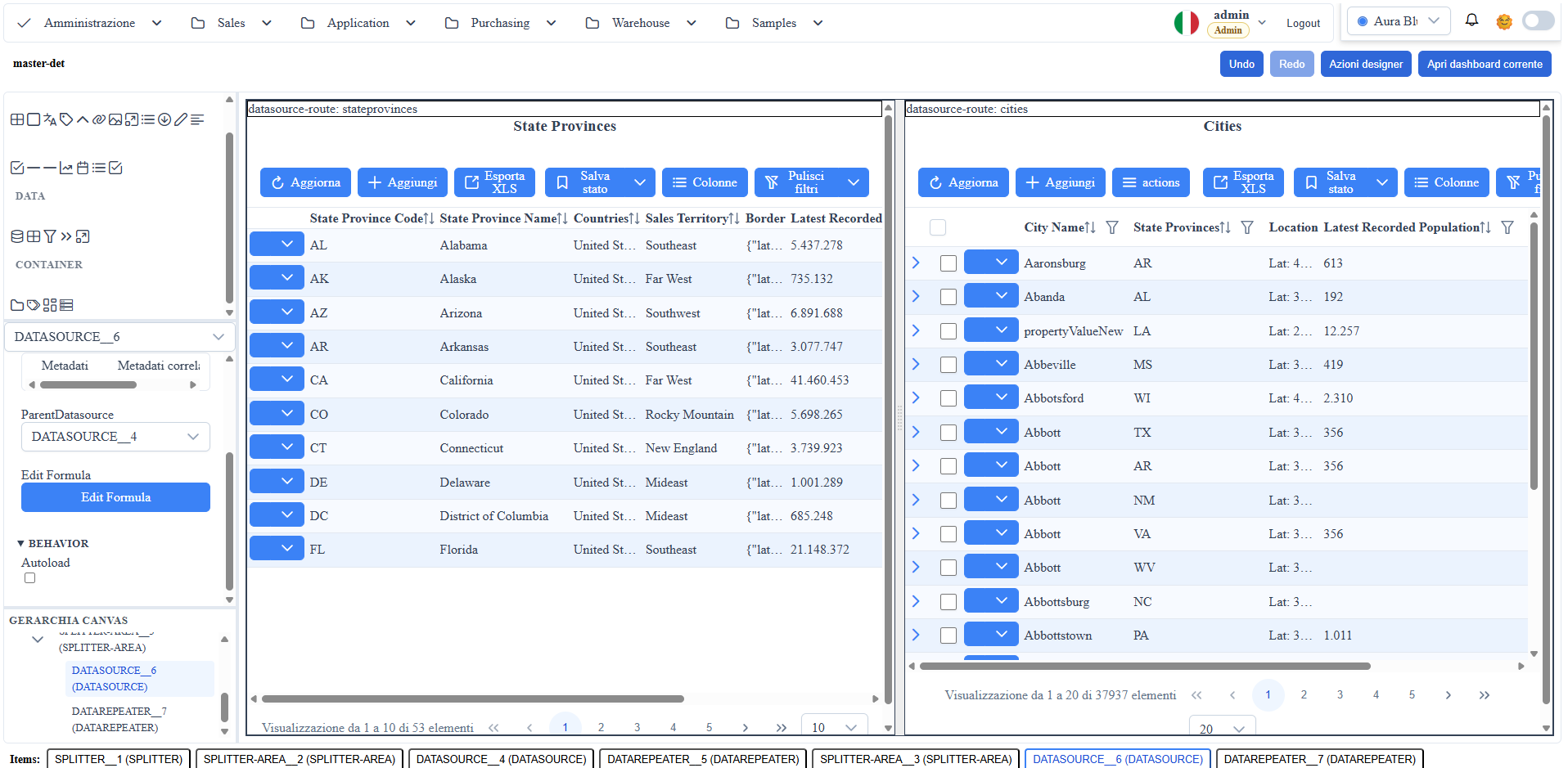
- Binding between nodes (
datasource -> repeater/template) with minimal validation. - Integrated runtime preview and layout realignment.
- Pending changes management with guard before exit.
Element context menu
Right-click on a canvas element, a breadcrumb item at the bottom or a node in the hierarchy tree shows a context menu with three items:
- Edit properties (pi-cog) — selects the element as the "current tool" and shows its property panel on the right; equivalent to clicking in the tree. Useful to edit properties of nested elements without hunting for them in the hierarchy.
- Rename (breadcrumb only) — opens a dialog to rename the
displayName. - Remove — deletes the element from the board.
Recommended Operational Flow
- Open the target dashboard route.
- Insert/connect nodes from the palette.
- Configure essential
inputs(e.g.,route,action,datasource). - Save and validate the result at runtime.
Operational Notes
- For specific dashboard fixes, prefer
boardcontentpatches instead of global changes. - Avoid duplicate properties between
inputsand inconsistent inline styles. - Always verify that datasources have a populated
inputs.route.
Screenshot