Overview
Conditional Styling
Conditional styles on rows, cells, and components based on runtime data.
Screenshot Reference (Metadata Styles Reuse)
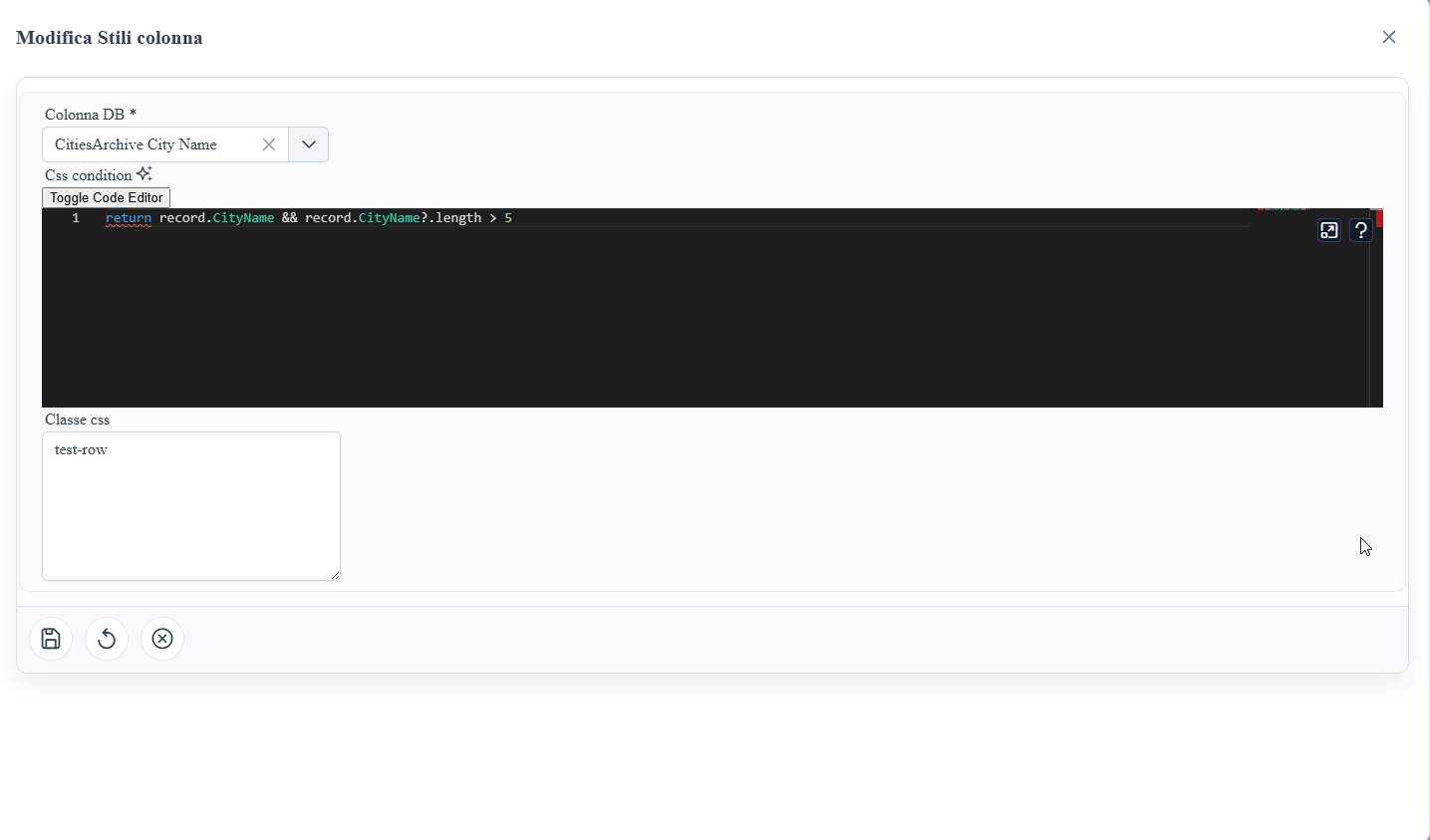
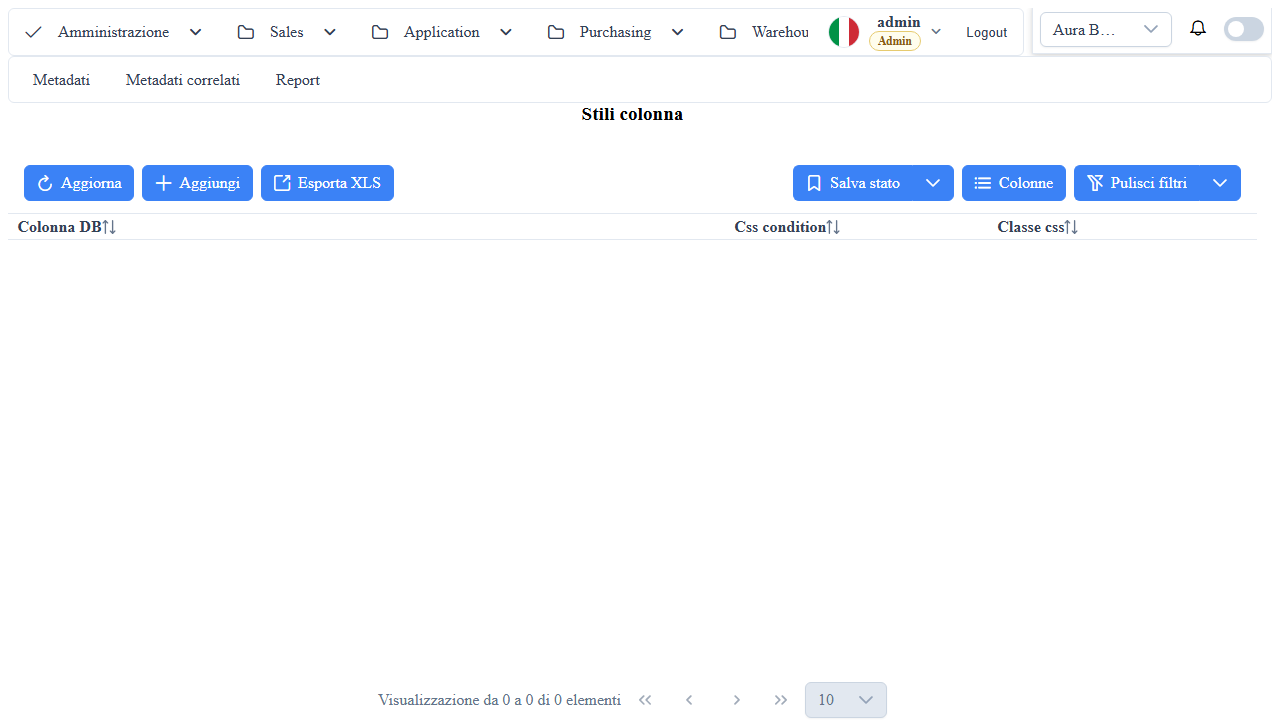
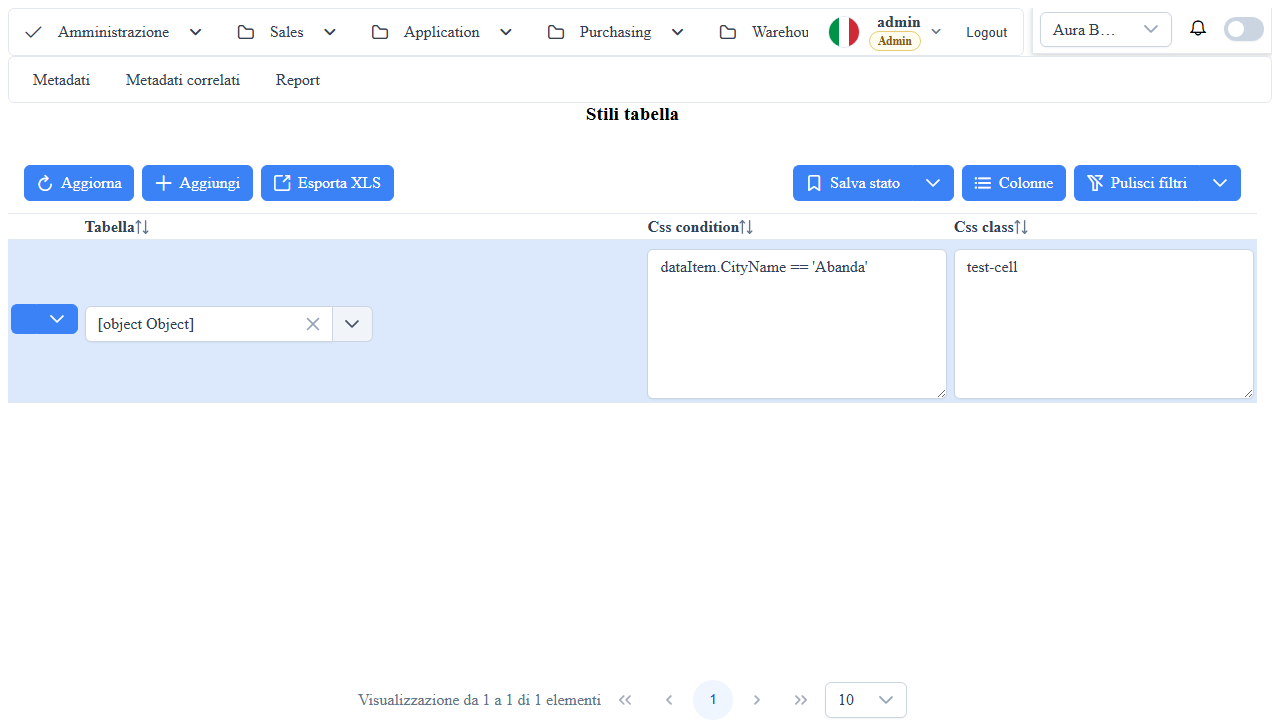
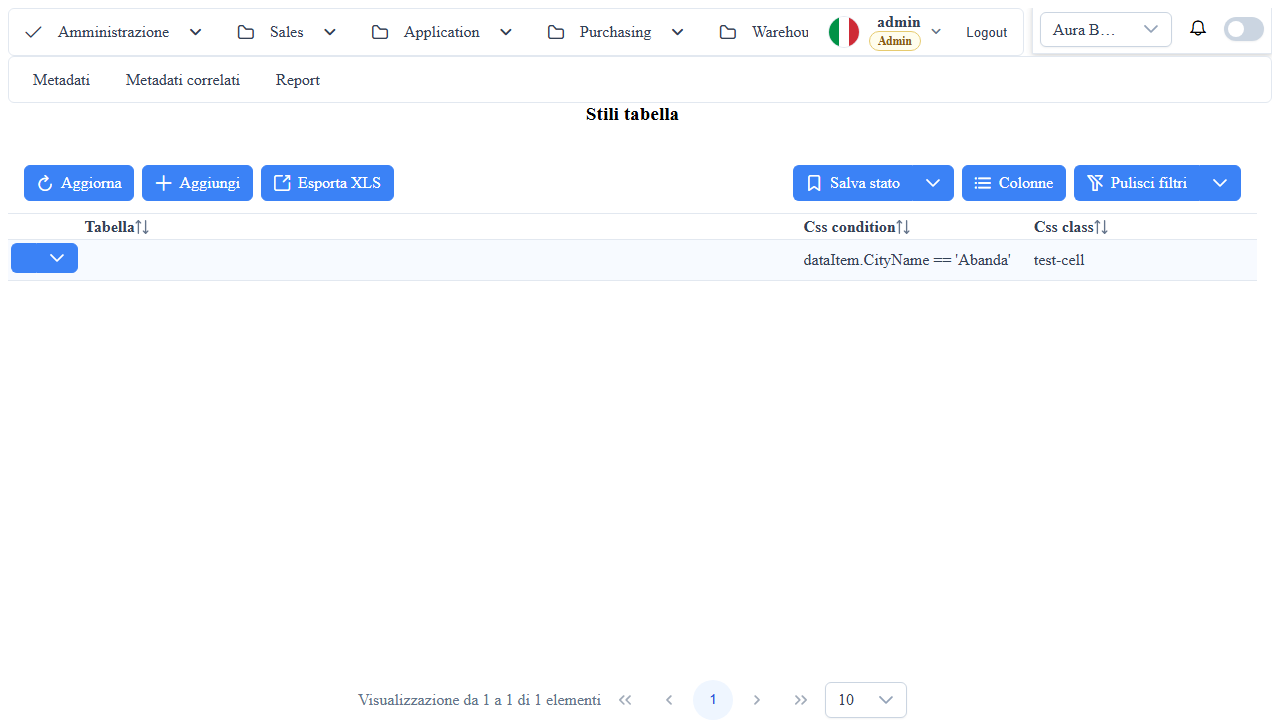
metadata-editor-styles-table: table styles list.metadata-editor-styles-table-edit-popup: table style edit popup.metadata-editor-styles-column: column styles list.metadata-editor-styles-column-edit-popup: column style edit popup.
Table Style Metadata
Table metadata uses the _Metadati_UI_Stili_Tabelles collection (metadata route _Metadati_UI_Stili_Tabelle).
Main fields:
must_attribute_name: CSS class to apply to the row.must_attribute_value: JavaScript callback/condition that returns boolean (trueapplies the class,falsedoes not). Available variables:record(aliasesrowDataanddataItem: the row),metaInfo,wtoolbox.
Behavior:
- rules are evaluated at runtime for each record;
- when the condition is true, the defined class is added to the grid row.
- the condition is first compiled as an expression
return (code);; if it is not a valid expression (for example with a trailing;, or anifblock) it falls back to a blockcode; return true;. If neither form compiles, the condition is always false; - so write an expression without a trailing
;, or a block with an explicitreturnon every path: a block without a finalreturn falseapplies the style to all rows.
// right: expression without a trailing ';'
record.GiorniRitardo > 12
// right: block with a return on every path
if (record.Stato === 'Chiuso') return false; return record.GiorniRitardo > 12;
// wrong: the trailing ';' makes it fall back to the block and the condition is always true (style on all rows)
record.GiorniRitardo > 12;
// wrong: the final return false is missing (style on all rows)
Column Style Metadata
Column metadata uses the _Metadati_UI_Stili_Colonnes collection (metadata route _Metadati_UI_Stili_Colonne).
Main fields:
musc_attribute_name: attribute/style class name to apply to the cell.musc_attribute_value: static style value.musc_attribute_value_callback: JS callback to dynamically calculate the value based on the record.
Behavior:
- the style can be static (
musc_attribute_value) or dynamic (musc_attribute_value_callback); - evaluation occurs per cell, allowing targeted highlighting column-by-column.
Operational Notes
- Prefer CSS classes (
must_attribute_name,musc_attribute_name) instead of very long inline styles. - Keep callbacks simple and deterministic to reduce performance impacts on large grids.
<!-- incode-injection -->
In-code injection (this component only)
Conditional styles can also be applied in-code in the `.ts` instead of via DB metadata. The SQL patch on _metadati__u_i__stili__tabelle applies to every component on the route; the in-code injection applies only to this component.
Push into metaInfo.tableMetadata._Metadati_UI_Stili_Tabelles (array already []). must_attribute_name = CSS class applied to the row; must_attribute_value = a JavaScript callback string returning true/false (with record in scope). Same fetchInfo$ wiring with an idempotent guard. The condition follows the same form described above (expression without a trailing ;, or a block with a return on every path).
@ViewChild('ds', { static: true }) ds!: DataSourceComponent;

ngOnInit() {
  this.ds.fetchInfo$.subscribe(info => {
    const tm = info?.metaInfo?.tableMetadata;
    if (!tm) return;
    if (tm._Metadati_UI_Stili_Tabelles.some(s => s.must_attribute_name === 'row-danger')) return;
Screenshot