The second of our three free apps tackles the most regulated piece of Italian B2B paperwork: electronic invoicing through SDI (Sistema di Interscambio). If you're invoicing in Italy, you already know the constraints — the invoice must be FatturaPA v1.2 XML, signed CADES-BES with a qualified certificate, sent to SDI, the SDI replies asynchronously with AT/RC/NS/MC/NE/DT receipts, and you have to keep both the invoice and the receipts in conservazione a norma for 10 years.
You can pay an intermediary €10–€30/month per partita IVA to handle all of it. Or you can run our FatturazioneElettronica app on your own server and pay a few euros a year for a PEC mailbox. This post is about what's in the free distribution and why we made it free.
What ships in the free distribution
The FatturazioneElettronica-iis-v1.7.0-with-dbs.zip archive on the Downloads page is a complete .NET 10 + Angular app, IIS-ready. Inside:
Editor & data model
- Anagrafica clienti / fornitori — including PIVA, codice fiscale, codice destinatario SDI, PEC address
- Listini articoli — multi-listino price lists, unità di misura, per-line IVA codes
- Full active cycle — preventivi → ordini → DDT → fatture inviate, with automatic document conversion at each step (quote to order, order/DDT to invoice) and auto-recalculated totals
- Passive cycle — purchase orders and fatture ricevute, fed by the incoming invoices SDI delivers to you
- Fattura editor — header (data, numero, divisa, riferimenti), article lines with per-line IVA and discounts, live-calculated totals, attachments
- Movimenti bancari — CSV import (a
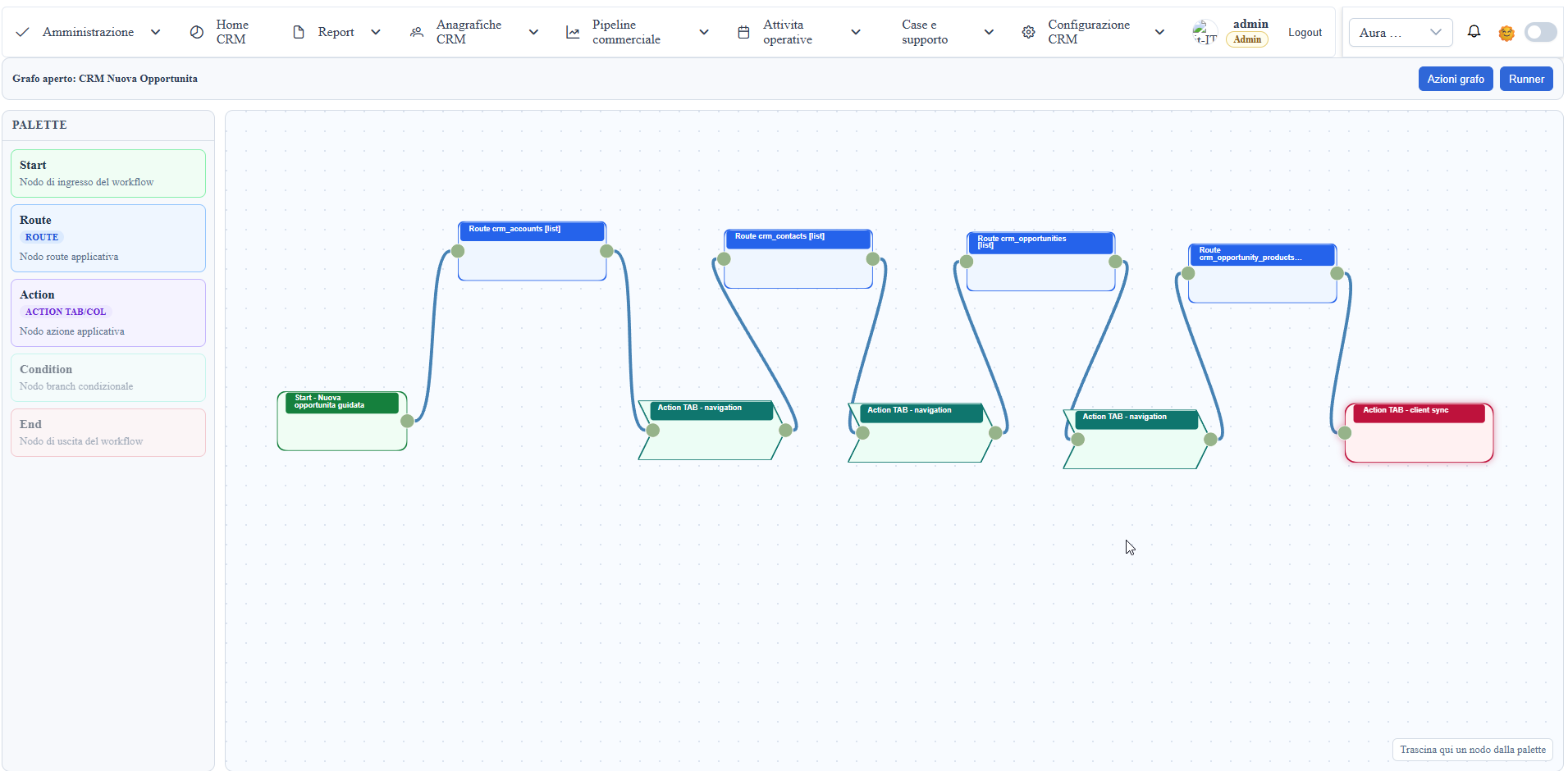
template.csvships in the ZIP) + reconciliation against issued / received invoices - Order approval workflows — built on the framework's workflow designer, so the "who signs off before this goes out" step is a drawn graph, not a code change
SDI provider abstraction
The interesting part. We have five interchangeable providers behind ISdiProvider, auto-selected at startup based on which subsection of appsettings.json:Sdi is configured:
DirectPec(FREE) — sends the signed XML directly to SDI by sending an email from your own PEC mailbox tosdi01@pec.fatturapa.it. Costs whatever your PEC provider charges (typically €5–€30/year). No middleman. An IMAP poller watches the same PEC inbox for the SDI responses (AT/RC/NS/MC/NE/DT) and parses them into your localsdi_notificationstableArubaPec,FatturePec,PecIt,Notarify— commercial intermediaries, each with its own REST/SOAP client and its own symmetric notification poller (commercial providers deliver SDI receipts on their infrastructure, not on your PEC)- Mock provider — dev/test fallback, active when no real provider is configured. Echoes back synthetic receipts so you can exercise the whole pipeline locally
Configure exactly one provider subsection: with zero configured you get the mock, and with more than one the app deliberately fails at startup with an explicit error — a deliberate guard against "I copied prod config into dev and sent real invoices to SDI by accident".
The free path (DirectPec) is the one to use if you want zero per-invoice cost. It works because SDI accepts invoices from any qualified PEC sender, not just from intermediaries. The full provider matrix is in Services/Sdi/ in the source distribution.
Signature & validation
- CADES-BES signature — on the XML payload using a PKCS#12 certificate (
.p12), configured viaSdi:Signer:Pkcs12Path+Pkcs12Password. Production: AgID qualified cert. Dev:scripts/generate-dev-sdi-cert.ps1produces a self-signed one (SDI rejects it but at least your pipeline runs end-to-end) - FatturaPA XSD validation — validates against the official FatturaPA v1.2 XSD schemas. Catches malformed XML before SDI rejects it with an NS notification (and burns one of your daily quota slots)
Conservation
Services/Sdi/Conservation/ implements the conservazione a norma pipeline — the legal 10-year retention requirement. Three interchangeable backends, auto-selected via config like the SDI providers: local filesystem (free, with RFC 3161 timestamp-authority stamping) or an accredited conservator — Aruba or InfoCert — if you'd rather hand the legal responsibility to a Conservatore Accreditato.
Fiscal reports
- LIPE — Liquidazione IVA Periodica, monthly or quarterly, exported as the XML tracciato the Agenzia delle Entrate expects
- Esterometro — for cross-border counterparties
- CU — Certificazione Unica
- Stimulsoft print reports — fatture, DDT, preventivi document prints, plus report views for clienti and fatturato
Who is this for
It pays off if you're:
- A commercialista with 20–200 partite IVA clienti — saves the per-PIVA intermediary fee, keeps the data on your hardware
- A mid-size company that already runs an ERP but wants the e-invoicing module on-prem (e.g. compliance team prefers it not in someone else's cloud)
- A software house building a vertical (e-commerce, retail, autoricambi) that needs e-invoicing plumbing — the
Services/Sdi/namespace in the source distribution is the reference implementation
It does NOT pay off if you have <5 invoices/month — for that volume, a commercial "easy" subscription at a few euros per month is cheaper than the operational cost of running a server.
Install
Same as the other free apps:
- Download
FatturazioneElettronica-iis-v1.7.0-with-dbs.zipfrom Downloads - Unzip into
C:\inetpub\wwwroot\EInvoice - Restore the two
.bakfiles shipped in thedb\folder (data.bak+metadata.bak) — SQL Server 2017 or later, Express is enough; the bundledINSTALL.mdhas the exactRESTORE DATABASEstatements - Edit
appsettings.json:ConnectionStringsSdi:Signer:Pkcs12Path+Pkcs12Password(your qualified PKCS#12 cert, OR the dev cert fromgenerate-dev-sdi-cert.ps1)- Exactly one of
Sdi:DirectPec/Sdi:ArubaPec/Sdi:FatturePec/Sdi:PecIt/Sdi:Notarify— or none, to stay on the mock while you evaluate
- IIS site, No Managed Code app pool, browse, log in as
admin_test / Test123!
License rule
Same as the other free apps. Quoting:
FatturazioneElettronica is free as-shipped. If you rebuild the app from source you need a WUIC license.
The free ZIP gives you the running binary (FatturazioneElettronica.dll) with an embedded host-binding .lic resource that authorizes the framework runtime. The source ZIP gives you the C# source of the app — but recompiling it locally produces a different binary identity (different strong-name PKT, no embedded WUIC.HostBindingLicense resource — we don't ship the .snk or the RSA private key that signs the .lic), so the framework runtime stops recognizing the host as authorized and falls back to the standard machine-fingerprint license check.
You can extend FatturazioneElettronica without recompiling the binary: add new metadata (rows in _metadati__tabelle / _metadati__colonne), add new Angular components in the frontend tree, add scheduled jobs (rows in the scheduler table), switch SDI provider via appsettings.json (the built-in providers are picked automatically based on which subsection is configured — no code change to move from mock to DirectPec to ArubaPec). Writing a brand new SDI provider (implement ISdiProvider) however requires recompiling FatturazioneElettronica.dll, so that crosses the license line.
Get it
- Download: Downloads → Free apps → FatturazioneElettronica — current release is v1.7.0
- Try WUIC first: the framework underneath has a live sandbox at demo.wuic-framework.com
- Need to recompile? See Pricing — the Developer tier unlocks the framework source and the right to ship recompiled FatturazioneElettronica binaries